Google Workspace
Google Workspace is an all-in-one cloud productivity platform developed by Google to help businesses manage communication, collaboration, document creation, and workflow automation from a centralized environment. The platform combines professional email, cloud storage, video conferencing, document editing, team messaging, scheduling, and AI-powered assistance into one subscription-based ecosystem optimized for modern work environments. Google Workspace includes applications such as Gmail, Google Drive, Google Meet, Docs, Sheets, Slides, Calendar, Chat, Keep, Forms, Sites, NotebookLM, and Gemini AI, enabling teams to work together seamlessly across devices and locations. One of the platform’s core strengths is its built-in AI functionality powered by Gemini, which helps users draft emails, summarize meetings, generate research insights, automate repetitive tasks, and improve productivity using contextual awareness from workplace data. Google Workspace also supports advanced collaboration features including real-time editing, appointment scheduling, eSignatures, document sharing, cloud storage management, and AI-assisted research tools. Businesses benefit from enterprise-grade security features such as AI-powered threat protection, data classification, endpoint management, Data Loss Prevention, secure access controls, and compliance support for enterprise environments. The platform offers scalable pricing plans suitable for startups, small businesses, enterprises, educational institutions, nonprofits, and government organizations. Google Workspace also simplifies data migration and onboarding with built-in migration tools and partner support for transferring emails, files, and business information securely into the cloud.
Learn more
ONLYOFFICE Docs
ONLYOFFICE Docs is a secure online office suite for teams and businesses of all sizes. Create and edit docs, sheets, slides, fillable forms and PDFs. Collaborate with your teammates in real time using two co-editing modes, version history and other tools. Enable the AI assistant of your choice — ChatGPT, DeepSeek, Mistral, Groq AI, etc. Generate new content, summarize, translate and do more with your favourite AI tool while working on office files.
Integrate ONLYOFFICE Docs into your business platform, whether it be Odoo, Alfresco, Confluence, Pipedrive, Nextcloud, Redmine, SuiteCRM, etc., via an integration app (40+ available integrations).
Use Docs within ONLYOFFICE DocSpace, a room-based document collaboration platform equipped with the online office suite. Create dedicated spaces for different purposes, invite your teammates, assign access permissions and collaborate the way you like. With DocSpace, you can store, share and co-edit office files, and even interact with third parties.
Learn more
Canva
Canva is an all-in-one design solution, empowering anyone—from students and non-profit organizations to businesses of any size—to design anything they can imagine. Think of all the ways you can use Canva and the versatility it will provide you in day-to-day life, education, or the office. Use the whiteboard feature to flesh out new ideas and keep track of your notes—Edit photos or videos for any occasion. Elevate your resume by building it with a template, or take it further and create a website dedicated to your accomplishments! Companies can develop marketing campaigns and social media advertising with ease. Canva Teams offers real-time collaboration on the same project, helping you create content faster, improve collaboration, and help scale your brand. Try premium features with Canva Pro for free for 30 days, and try exclusive features like background remover, instant animations, scheduling campaigns, brand kits, and resizing formatting options.
Canva also has a feature called Magic Write. Magic Write in Canva Docs is an AI text generator to help you write stories, copy, blogs, articles, lyrics and more using AI content generation.
Learn more
Calmly Writer
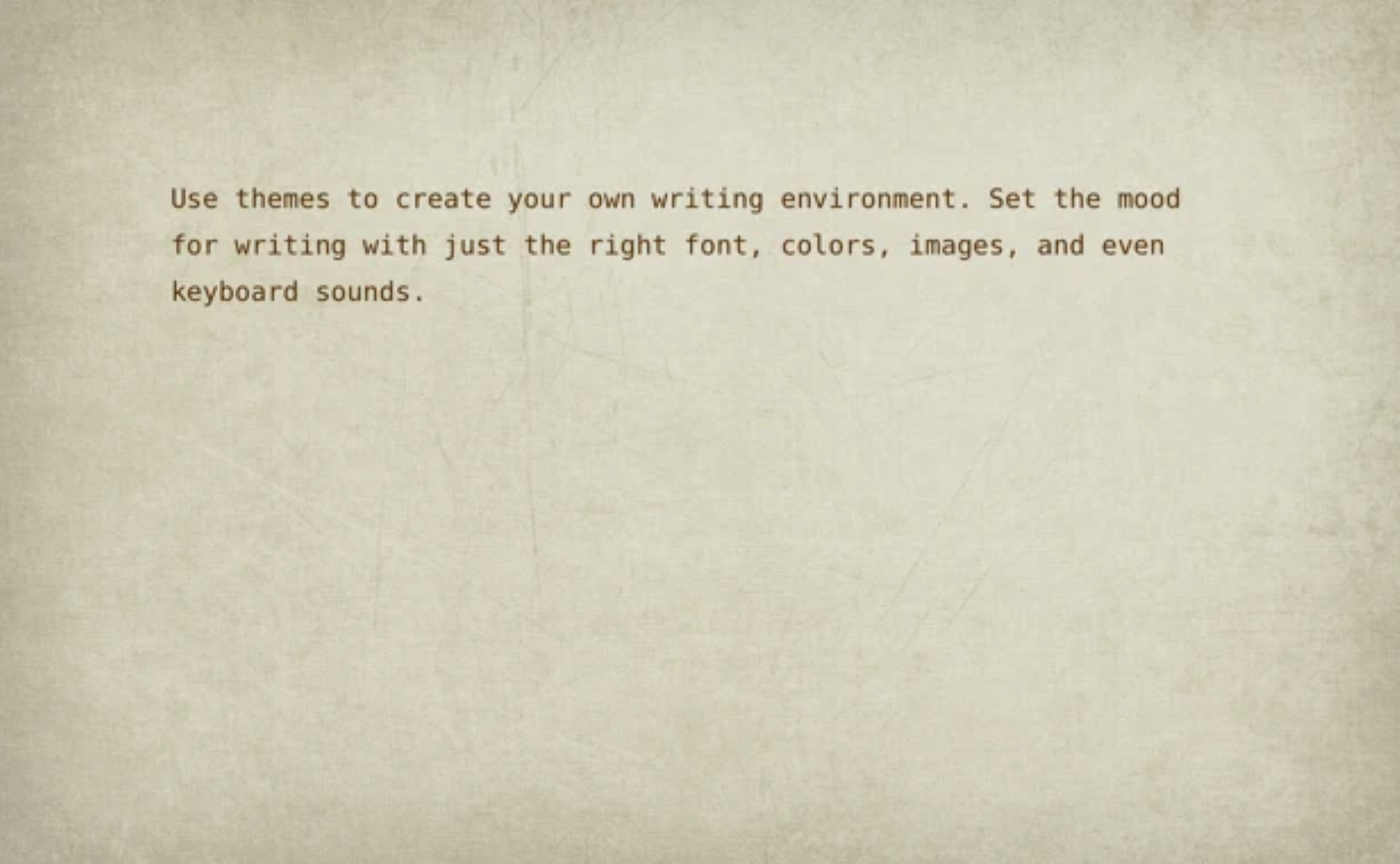
Conventional word processors often overwhelm users with a plethora of formatting choices, diverting attention from the essence of writing itself. Calmly Writer, however, is a streamlined editor crafted to prioritize your thoughts, featuring a clean and intuitive interface. This tool is specifically tailored to enhance your writing experience by removing distractions as soon as you begin to type. Engaging the "focus mode" isolates the current paragraph you are working on, ensuring your attention remains undivided. Text formatting is made straightforward, enabling you to apply styles by simply selecting text and clicking on the options, or alternatively, using keyboard shortcuts or markdown. Moreover, any document tab left open will automatically reopen upon launching the application, and if a document wasn't saved, a backup will be available for you. Calmly Writer also tracks your progress by displaying the word and character count, while allowing you to set specific writing goals. Users have the flexibility to choose from various themes, including light, dark, dark blue, dune, and a nostalgic old-school mode, enhancing the overall writing experience. Ultimately, Calmly Writer is designed to cultivate a productive environment where your creative thoughts can flow freely.
Learn more